বৰ্ণনা
You can write Markdown using a VSCode-like editor.
It provides minimal functionality for editing Markdown.
for example. (add bold, strikethrough, text decorations, adding images, code highlighting, and table formatting, etc…)
YoutTube
স্ক্ৰীনশ্বট
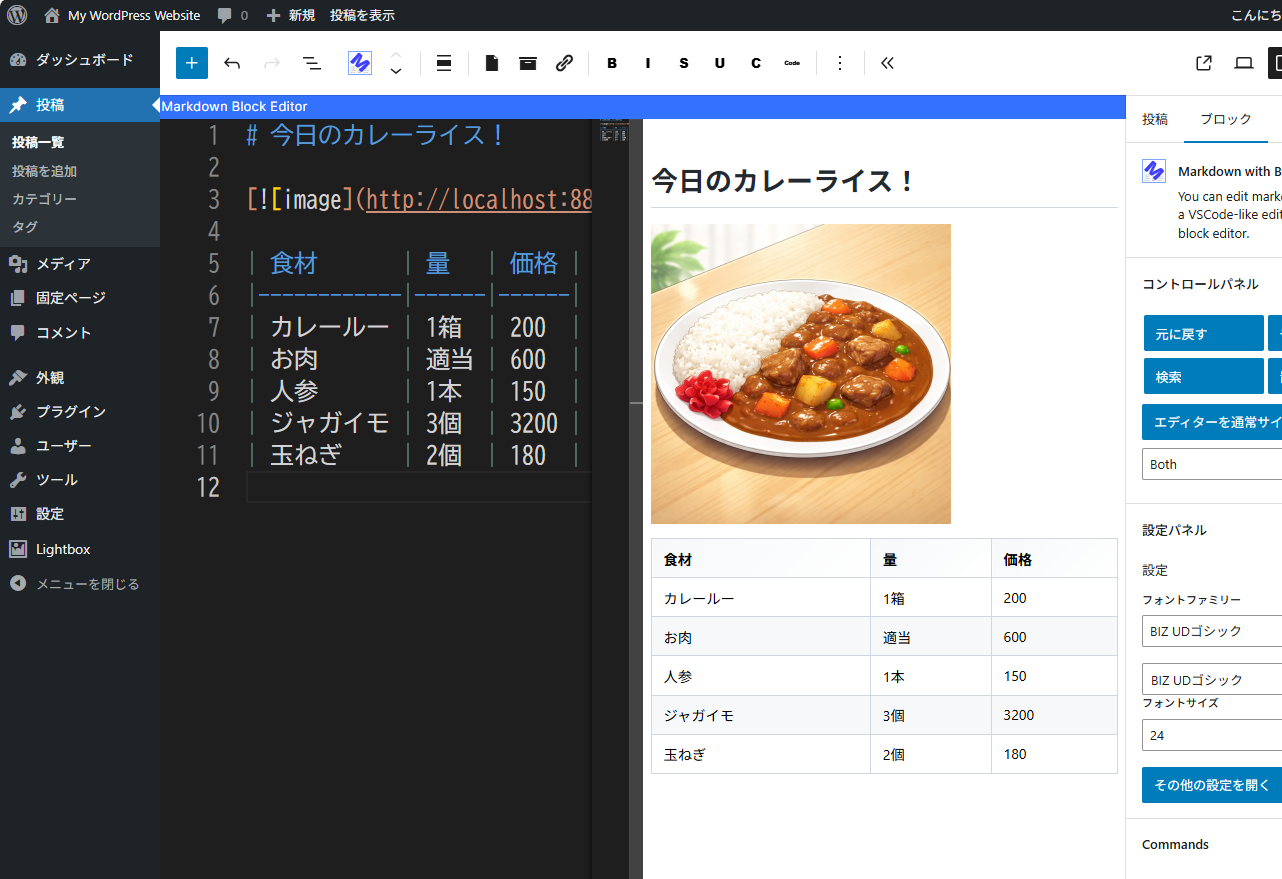
You can edit the markdown while checking the display screen. 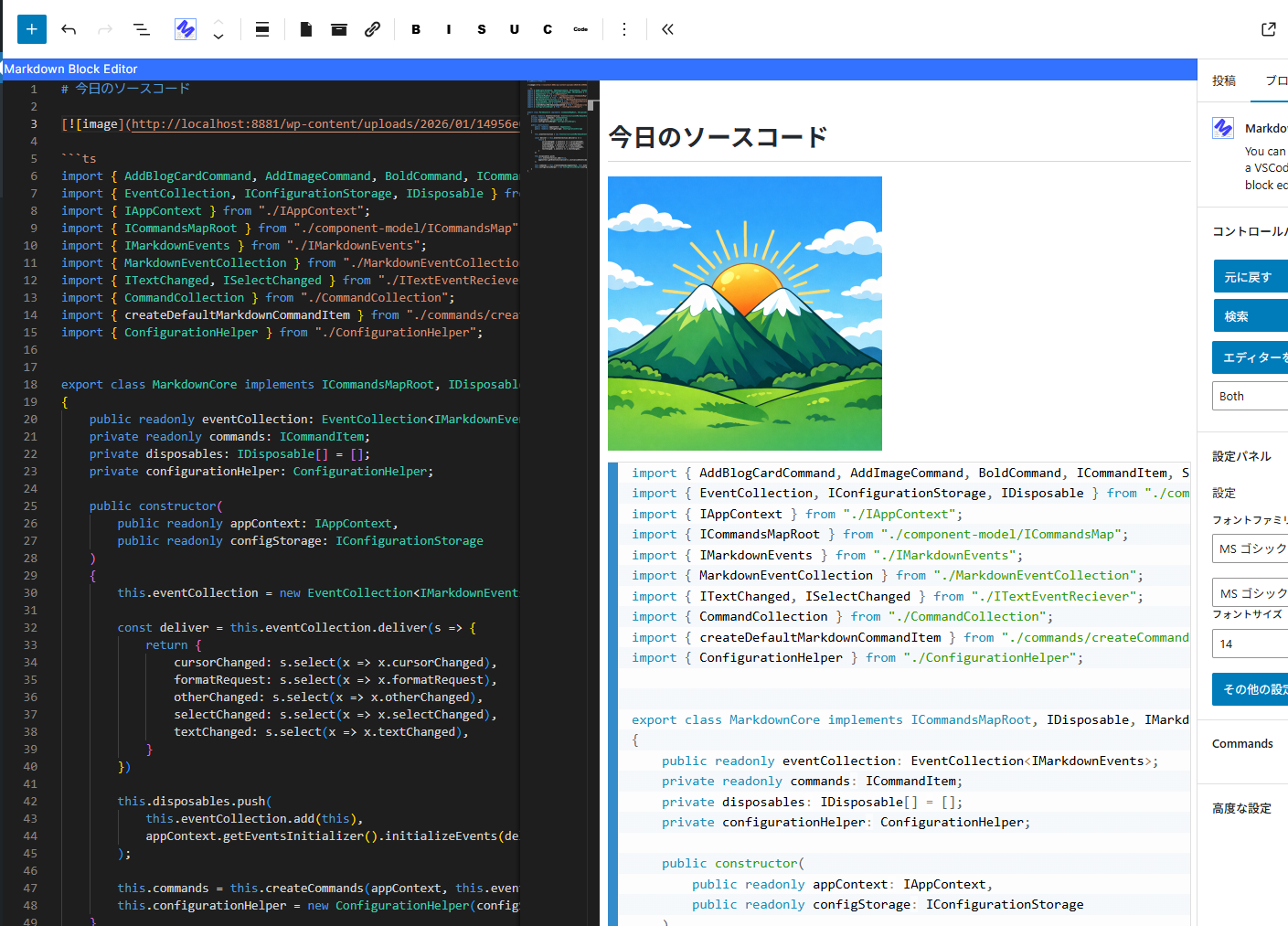
Editing the source code. 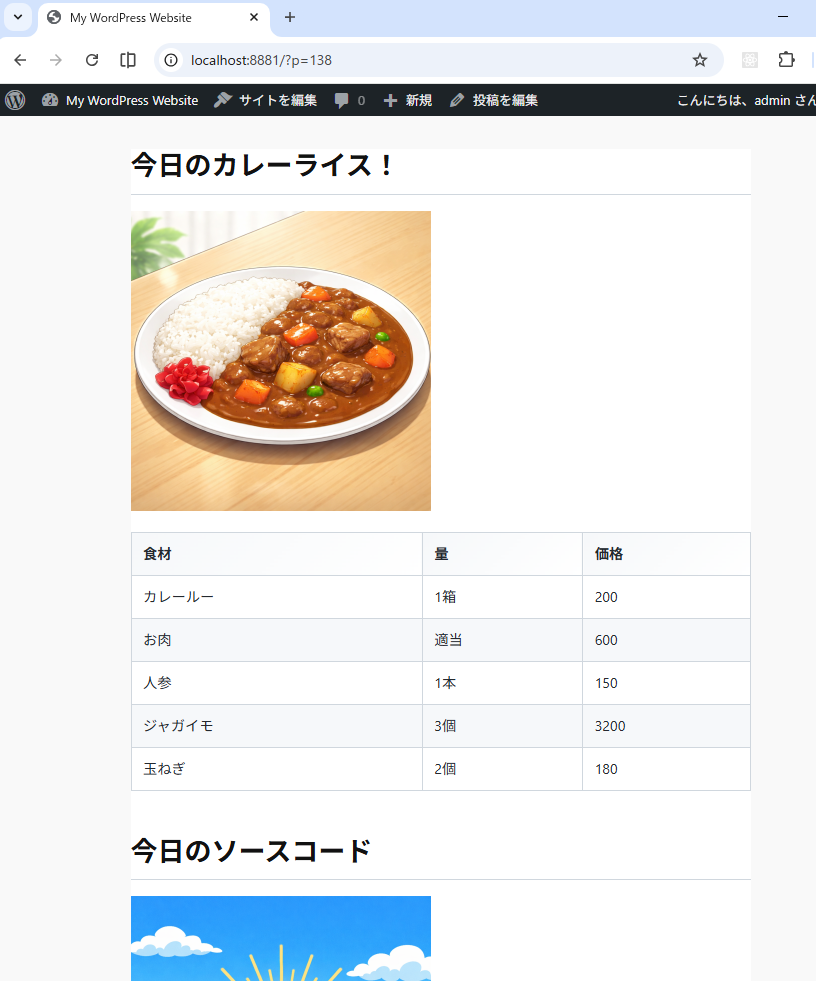
The screen seen from the front.
ব্লকবোৰ
এই প্লাগিনটোৱে 1টা ব্লক প্ৰদান কৰে।
- Markdown with Block Editor You can edit markdown in a VSCode-like editor on the block editor.
ইনষ্টলেশ্যন
- Go to the admin screen
- Open the “Plugins” item and click “Add New Plugin”
- Enter “Markdown” in the search box.
- Find “Markdown with Block Editor” and click “Install”
সঘনাই উত্থাপিত প্ৰশ্ন
-
What can this plugin do?
-
You can edit Markdown while viewing a preview in the block editor.
Please see the link below for detailed instructions on how to use it. -
The IME display position is shifted.
-
We are aware of this bug.
The Monaco Editor used internally does not take IFrame into account,
which is why the misalignment occurs.
We cannot address this issue until the Monaco Editor is fixed. -
Can I see the source code?
-
The source code is here.
https://github.com/denki-kurage/markdown-editor/tree/master/packages/markdown-block-editor
This software uses the following packages:
https://github.com/denki-kurage/markdown-editor/blob/master/packages/markdown-block-editor/THIRD-PARTY-NOTICES.txt
https://github.com/denki-kurage/markdown-editor/blob/master/packages/markdown-core/THIRD-PARTY-NOTICES.txt
পৰ্য্যালোচনা
এই প্লাগিনৰ বাবে কোনো পৰ্য্যালোচনা নাই।
অৱদানকাৰী আৰু বিকাশকাৰীসকল
“Markdown with Block Editor” হৈছে মুক্ত উৎসৰ ছফ্টৱেৰ। এইসকল লোকে এই প্লাগিনত অৱদান আগবঢ়াইছে।
অৱদানকাৰীসকল
আপোনাৰ ভাষাত “Markdown with Block Editor” অনুবাদ কৰক।
বিকাশৰ প্ৰতি আগ্ৰহী?
ক’ড ব্ৰাউজ কৰক, SVN ৰিপজিটৰী চাওক নাইবা RSS-দ্বাৰা বিকাশৰ পঞ্জী ছাবস্ক্ৰাইব কৰক।
সলনি-পঞ্জী
0.1.4
- Bug fixes for appContext and toolbar commands.
0.1.2
- Snippets added. You can also add custom snippets using hooks.
0.1.0
- Release